If you have never booked a bus ticket online before, the number of apps, seat types, fare add ons, and cancellation terms can feel confusing.
The process is simple once you understand it. You pick a route, choose a bus, select a seat, pay online, and get a confirmation on your phone. That is it. The entire thing takes under 5 minutes.
But the details matter. The difference between a sleeper and a semi sleeper changes how well you sleep. The difference between an aggregator and a direct operator changes who is responsible if something goes wrong. The difference between booking 5 days early and booking last minute changes the price and the seat options you get.
How to Book a Bus Online in India: Step 1 – Choose Where to Book
There are two types of bus booking platforms in India. Understanding the difference helps you make a better choice.
Aggregator Platforms
These are apps and websites that list buses from many different operators in one place. Examples: RedBus, MakeMyTrip, ixigo, AbhiBus, Paytm, Goibibo.
You get more choices. But the bus is run by a third party operator, not the app itself. If something goes wrong (bus cancelled, vehicle changed, refund needed), the app and the operator may point at each other.
Direct Operator Platforms
These are apps and websites run by the bus company itself. When you book here, the company that takes your money is the same company that runs the bus.
zingbus is an example of this. It operates its own fleet of 350+ buses. Booking on the zingbus app or website means the bus, the driver, the marshal, and the customer support all belong to one company. No third party in between.
For first time bookers: Direct operator platforms are simpler. Fewer surprises. One company to deal with for everything.
Step 2: Search for Your Bus
Open the app or website. Enter three things:
- From city (where you are starting)
- To city (where you want to go)
- Date of travel
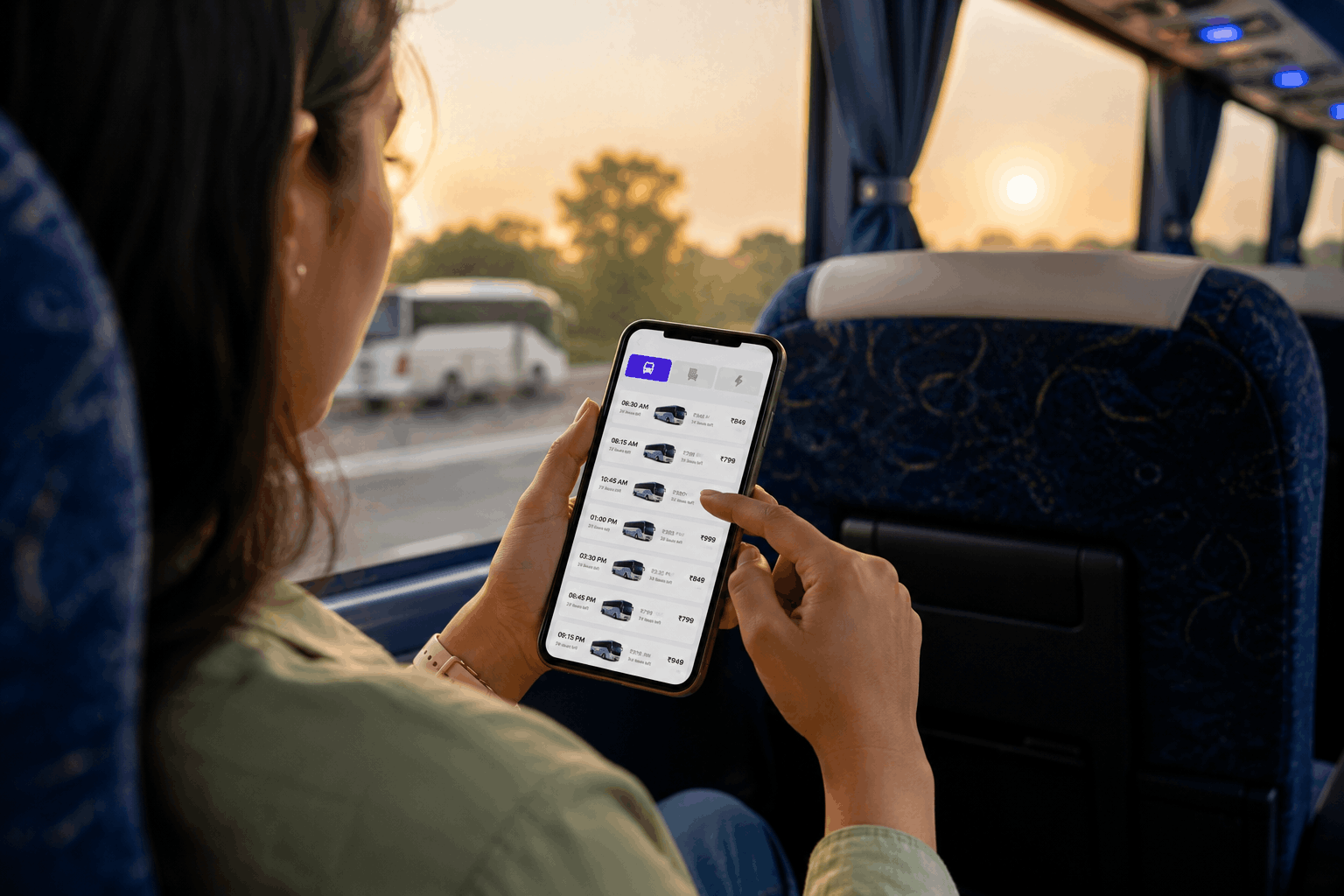
Hit search. The platform will show you all available buses for that route and date.
You can filter results by:
- Departure time (morning, evening, night)
- Bus type (AC, non AC, sleeper, semi sleeper)
- Price (low to high)
- Rating (passenger reviews)
If you are learning how to book a bus online in India for the first time, start with the departure time filter. Pick a bus that matches when you want to leave. Then check the bus type and price.
Step 3: Understand the Bus Types
This is where most first time bookers get confused. Here is a simple breakdown.
| Bus Type | What It Means | Best For |
| AC Seater | Air conditioned bus with regular upright seats | Short trips under 5 hours |
| AC Semi Sleeper | AC bus with seats that recline to about 140 degrees | 5 to 8 hour routes, light sleep |
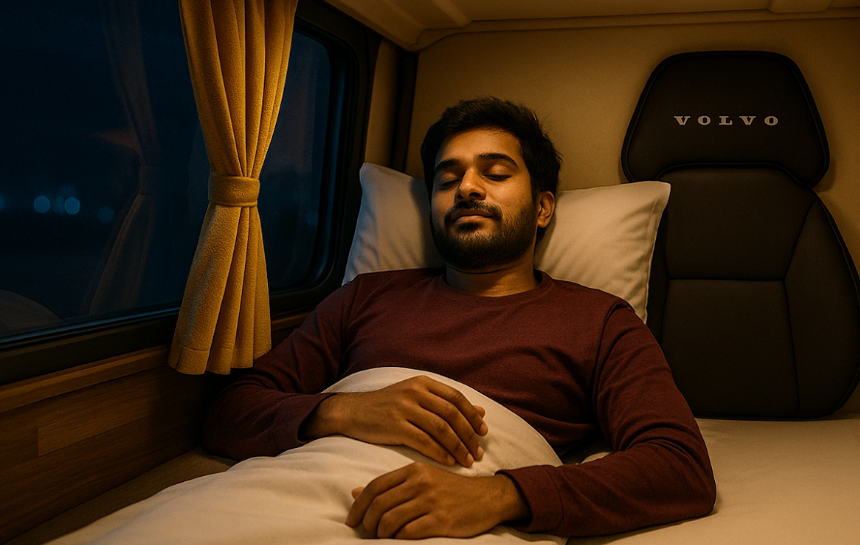
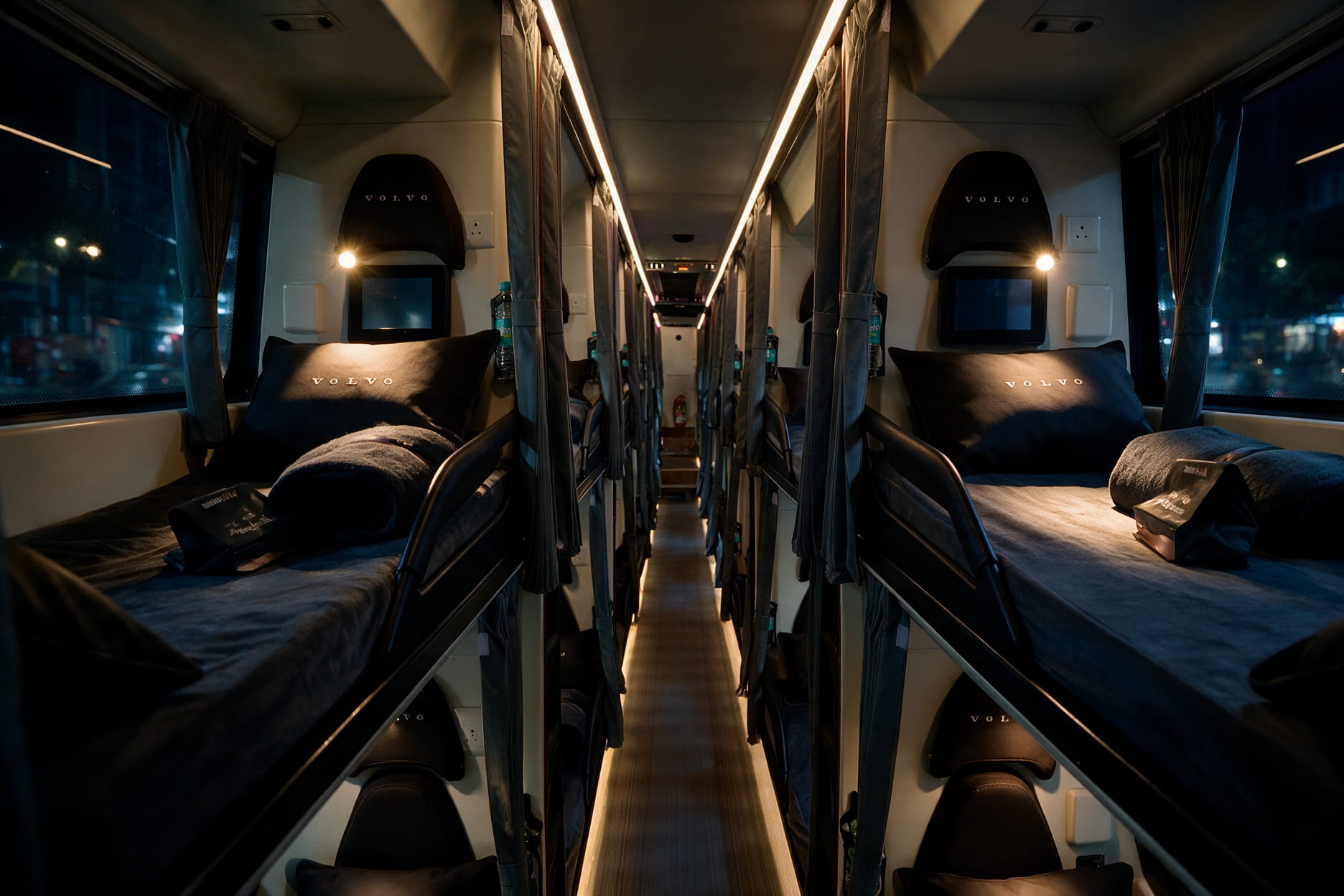
| AC Sleeper (2+1) | AC bus with flat berths, single and double layout | Overnight routes, best comfort |
| AC Sleeper (2+2) | AC bus with flat berths, all double layout | Overnight routes, budget option |
| Non AC Sleeper | Flat berths without air conditioning | Winter travel, very tight budgets |
| Volvo Multi Axle | Premium AC bus with better suspension and wider seats | Smooth ride on long routes |
For overnight trips: Always pick a sleeper bus. You get a flat berth to lie down properly. Semi sleeper seats recline but you cannot fully stretch out.
For the best overnight experience: A 2+1 sleeper layout has a single berth on one side and double berths on the other. The single side gives more width and privacy.
Step 4: Pick Your Seat
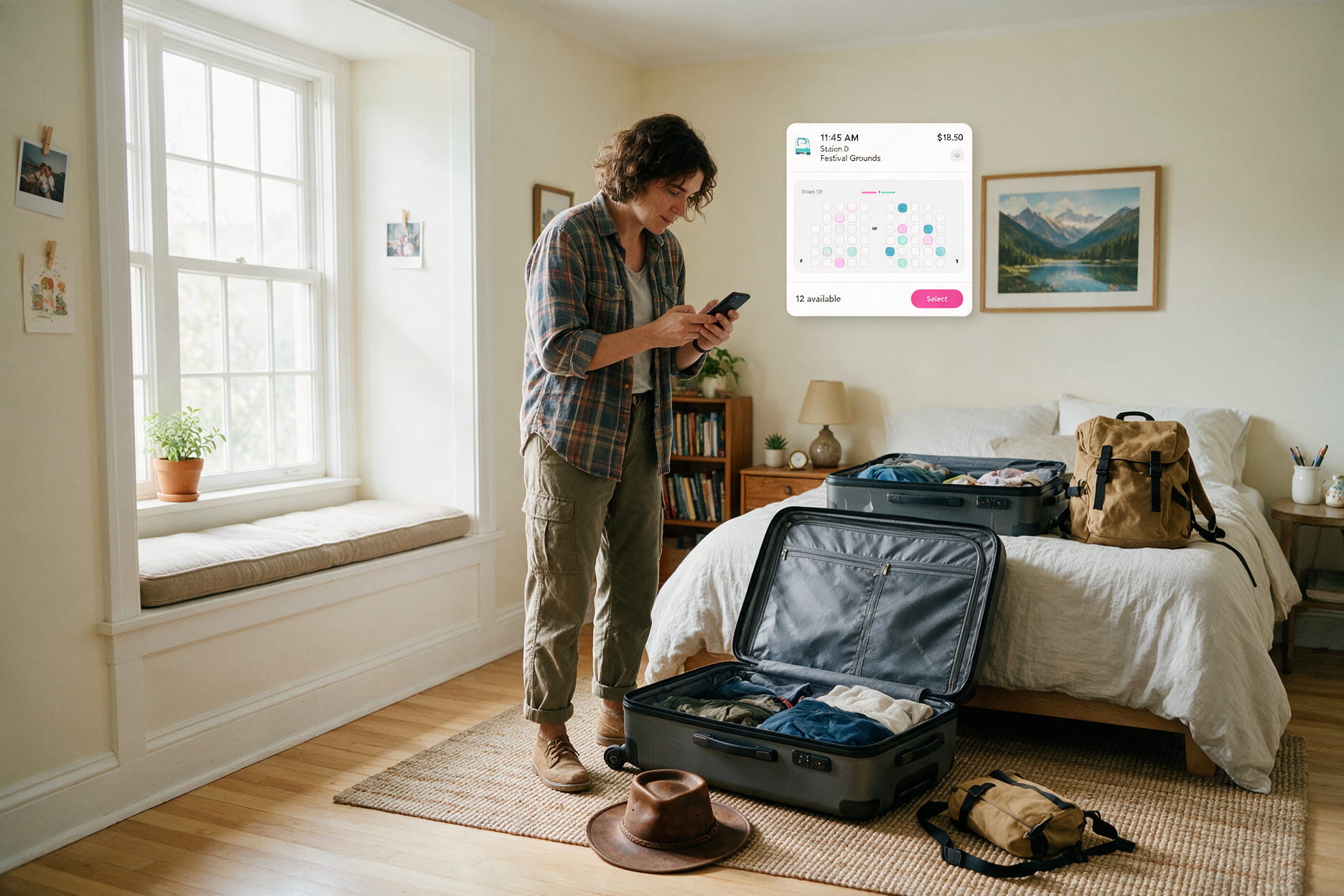
After selecting a bus, the app shows a seat map. This is a visual layout of the bus where you can tap on available seats to select them.
A few things to know:
- Lower berths are easier to get in and out of. Less vibration than upper berths. Good for older passengers or first time sleeper travellers.
- Upper berths are more private. The curtain blocks more light. But you climb up a small ladder to reach them.
- Middle of the bus is the smoothest section. The back bounces more on bad roads. The front gets engine noise.
- Window seats (on seater and semi sleeper buses) give you a wall to lean against and a view. Aisle seats give more legroom.
- Women only seats are marked separately on platforms like zingbus. If you are a female passenger, these seats ensure the adjacent seat is also booked by a female traveller.
Tip: Book early. The best seats (lower berth, middle section, single side on 2+1) go first.
Step 5: Understand the Fare
The price shown on a bus listing usually includes the base fare. But there can be additions.
| Fare Component | What It Means |
| Base fare | The ticket price for your seat or berth |
| GST | 5% Goods and Services Tax (included in most displayed prices) |
| Service fee | A small platform charge on some aggregator apps (Rs 20 to Rs 50) |
| Insurance | Optional travel insurance (some platforms add it by default, you can remove it) |
| Zero Cancellation | Optional add on for full refund flexibility on select bookings |
On zingbus, the price you see is the price you pay. No hidden service fee. If insurance or Zero Cancellation is added, it is clearly shown and you can opt out.
Tip for first timers: Before paying, check the final amount on the payment page. Make sure you are not paying for add ons you did not choose.
Step 6: Enter Your Details and Pay
You will be asked for:
- Full name (as it appears on your ID)
- Phone number (for booking confirmation and OTP)
- Email (for e ticket)
Payment options usually include UPI, credit card, debit card, net banking, and wallets like Paytm.
After payment, you receive:
- PNR number: Your unique booking reference. PNR stands for Passenger Name Record. You need this for any support request, cancellation, or boarding verification.
- OTP (One Time Password): Some operators send a boarding OTP that the marshal or driver checks when you board the bus. Keep it ready on your phone.
- E ticket: A digital ticket with your seat number, boarding point address, departure time, and bus details. No need to print it. Just show it on your phone.
That is the full process of how to book a bus online in India. Search, select, pick seat, pay, get PNR. Under 5 minutes.
Step 7: Know the Cancellation and Refund Policy
Plans change. Knowing the cancellation rules before you book saves frustration later.
| When You Cancel | Typical Refund |
| More than 24 hours before departure | Higher refund (varies by operator) |
| 12 to 24 hours before departure | Partial refund |
| Less than 12 hours before departure | Low or no refund on many platforms |
| After departure time | No refund |
Each platform and operator has its own policy. Always read the cancellation terms on the booking page before you pay. The terms are usually listed under “Cancellation Policy” near the fare details.
On zingbus:
- Zero Cancellation (available on select bookings) gives full refund flexibility regardless of timing.
- zingPrime members get one free cancellation per month plus a flat 5% discount on every booking.
- The full policy is listed on the zingbus policies page.
Step 8: What to Expect at the Boarding Point
Your e ticket will have the exact boarding point address. Here is what to do.
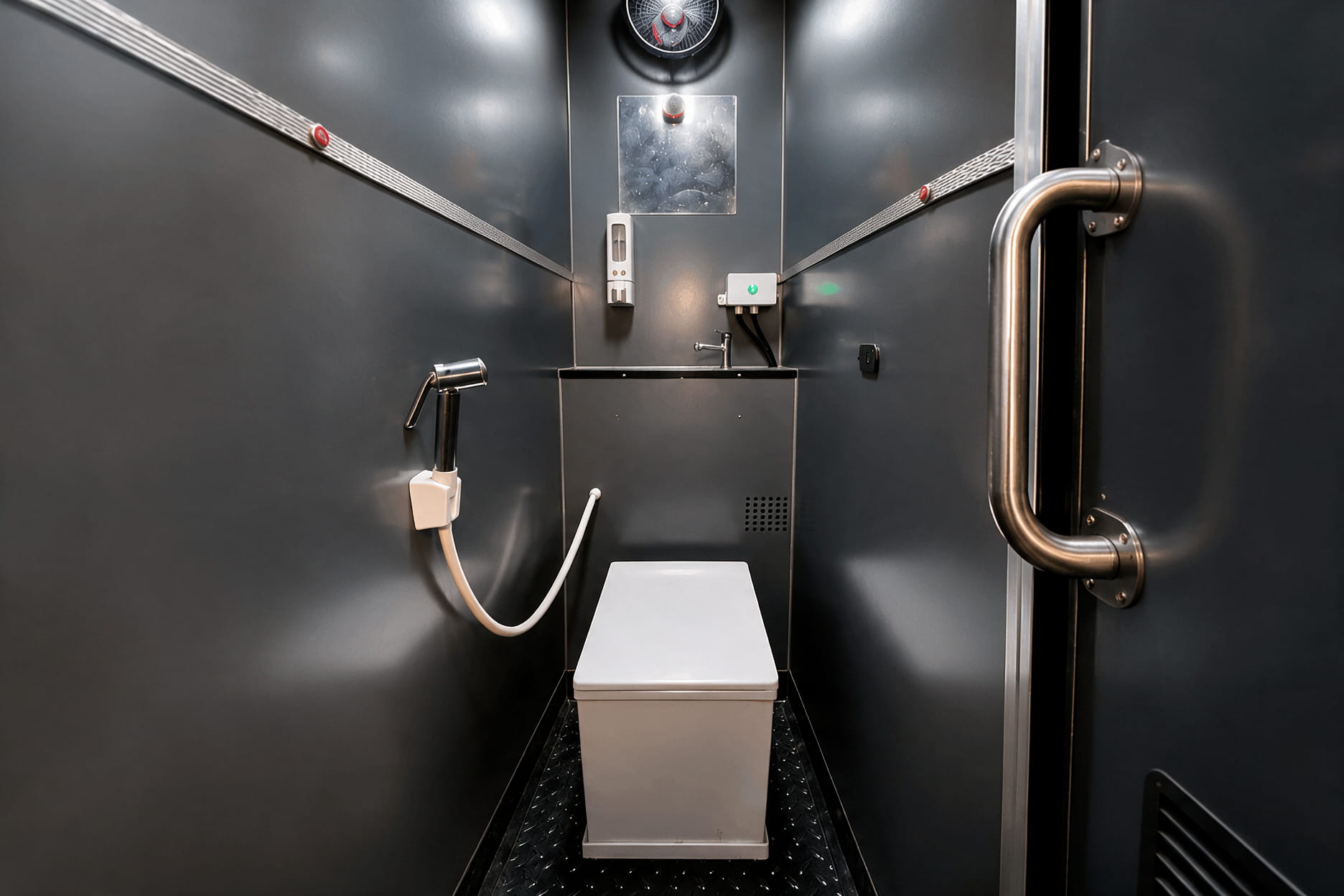
- Check the boarding point on Google Maps the day before. Make sure you know where it is. Some boarding points are bus stands. Some are highway locations. Some operators like zingbus have dedicated lounges with AC waiting areas and washrooms.
- Arrive 15 to 20 minutes before departure time. Buses do not wait long. If you are late, the bus may leave without you.
- Keep your PNR and OTP ready. The marshal or driver will check one or both at boarding.
- Carry a valid photo ID. Aadhaar, Voter ID, Driving Licence, or Passport. Some operators verify ID at boarding.
- Your luggage goes in the storage compartment below the bus. Keep a small bag with essentials (phone, charger, water, earbuds) with you at your seat.
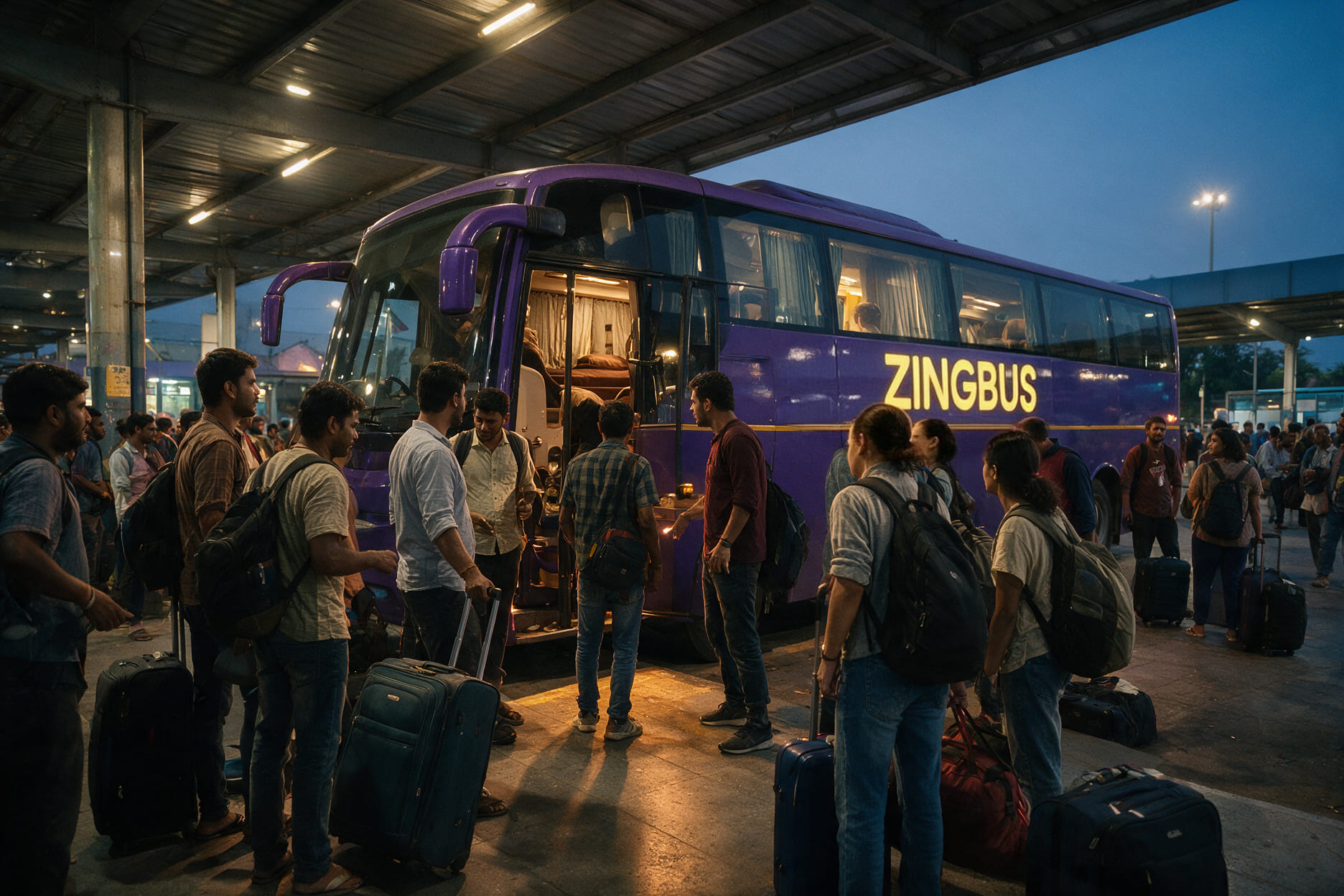
On zingbus buses, the marshal handles the boarding process. They check your PNR, help with luggage, and guide you to your seat. GPS live tracking starts the moment the bus departs, so your family can follow the trip on the app.
Aggregator vs Direct Operator: Which Should a First Timer Pick?
| Factor | Aggregator (RedBus, ixigo, etc.) | Direct Operator (zingbus) |
| Number of bus options | Many operators listed | Only zingbus fleet |
| Who runs the bus | Third party operator | zingbus |
| Fare transparency | May include service fees, auto added insurance | Price shown is price paid |
| Cancellation clarity | Varies by operator, can be confusing | One clear policy across all bookings |
| Support if something goes wrong | App and operator may blame each other | One company handles everything |
| GPS tracking | Depends on operator | Standard on every bus |
| Best for first timers | More options but more complexity | Simpler, more predictable experience |
If you are figuring out how to book a bus online in India for the first time and want the simplest experience, booking directly with a fleet operator like zingbus removes most of the confusion. One app. One company. One support number.
If you want to compare multiple operators across price and timing, aggregators give you a wider view. Just read the cancellation policy and operator reviews before paying.
You Might Also Like
- Best Bus Ticket Booking Apps in India 2026: Compared
- How to Choose the Best Seat in a Bus
- Overnight Bus Travel Tips: Sleep Better and Arrive Fresh
Tips for First Time Bus Bookers
- Book 3 to 5 days early for weekend travel. Friday and Sunday night buses sell out fastest, especially on popular routes from Delhi NCR, Gurgaon, and New Delhi to hill stations.
- Download the operator’s app before your trip. The zingbus app gives you GPS tracking, boarding point details, and WhatsApp support access, all in one place.
- Save the customer support number in your phone before boarding. For zingbus, it is +91 82870 09889 on WhatsApp, available 24/7.
- For overnight travel in 2026, pick an AC sleeper with a 2+1 layout. It is the most comfortable option for anyone booking their first overnight bus.
- Check if your boarding city has a zingbus Lounge. Lounges in Delhi (Kashmiri Gate, Majnu Ka Tila, Akshardham) have AC waiting areas, washrooms, and food. Much better than waiting on a highway.
Five Minutes. One App. Your First Bus Is Booked.
Learning how to book a bus online in India takes less time than ordering food on a delivery app. Search, select, pick seat, pay, done. The PNR arrives on your phone. The GPS tracking starts when the bus leaves. And the entire journey is monitored from departure to arrival.
The first time always feels like a lot. The seat types, the fare add ons, the boarding point, the OTP. But by the second trip, it is routine. And by the third trip, you will be the person explaining how to book a bus online in India to someone else.
Start with a simple route. A 4 to 6 hour AC bus between two cities you know. Book directly on the zingbus app or any trusted platform. Track the bus. Board on time. And let the first ride show you why millions of Indians now book buses the same way they book everything else. On a phone. In under 5 minutes.
Frequently Asked Questions
Ques. How Do I Book a Bus Ticket Online in India?
Ans. Open a bus booking app (like zingbus), enter your from city, to city, and date. Select a bus, pick a seat, enter your details, pay, and receive your PNR.
Ques. What Documents Do I Need to Board a Bus?
Ans. A valid photo ID (Aadhaar, Voter ID, Driving Licence, or Passport) and your PNR number or e ticket on your phone. No printout needed.
Ques. What Does PNR Mean in Bus Booking?
Ans. PNR stands for Passenger Name Record. It is your unique booking reference number used for support, cancellation, and boarding verification.
Ques. What Is the Difference Between Sleeper and Semi Sleeper?
Ans. A sleeper bus has flat berths where you can lie down fully. A semi sleeper has reclining seats (about 140 degrees) but you cannot stretch out completely.
Ques. Can I Cancel My Bus Ticket After Booking?
Ans. Yes, on most platforms. The refund amount depends on how early you cancel. zingbus offers Zero Cancellation on select bookings for full refund flexibility.
Ques. What Is OTP in Bus Booking?
Ans. OTP is a One Time Password sent to your phone after booking. The marshal or driver may ask for it at boarding to verify your ticket.
Ques. Which Seat Is Best for Overnight Bus Travel?
Ans. Lower berth, middle section, single side (in 2+1 layout). Least vibration, easiest access, and most privacy for a comfortable night.
Ques. Is It Safe to Pay Online for Bus Tickets?
Ans. Yes, on trusted platforms. Use UPI, debit card, or credit card. Always book from the official app or website, never from third party links.
Ques. What Is the Difference Between an Aggregator and a Direct Operator?
Ans. An aggregator lists buses from many operators. A direct operator like zingbus runs its own buses. Direct booking means one company handles everything.
Ques. How Early Should I Reach the Boarding Point?
Ans. 15 to 20 minutes before the scheduled departure time. Buses do not wait long. Keep your PNR and OTP ready on your phone.